
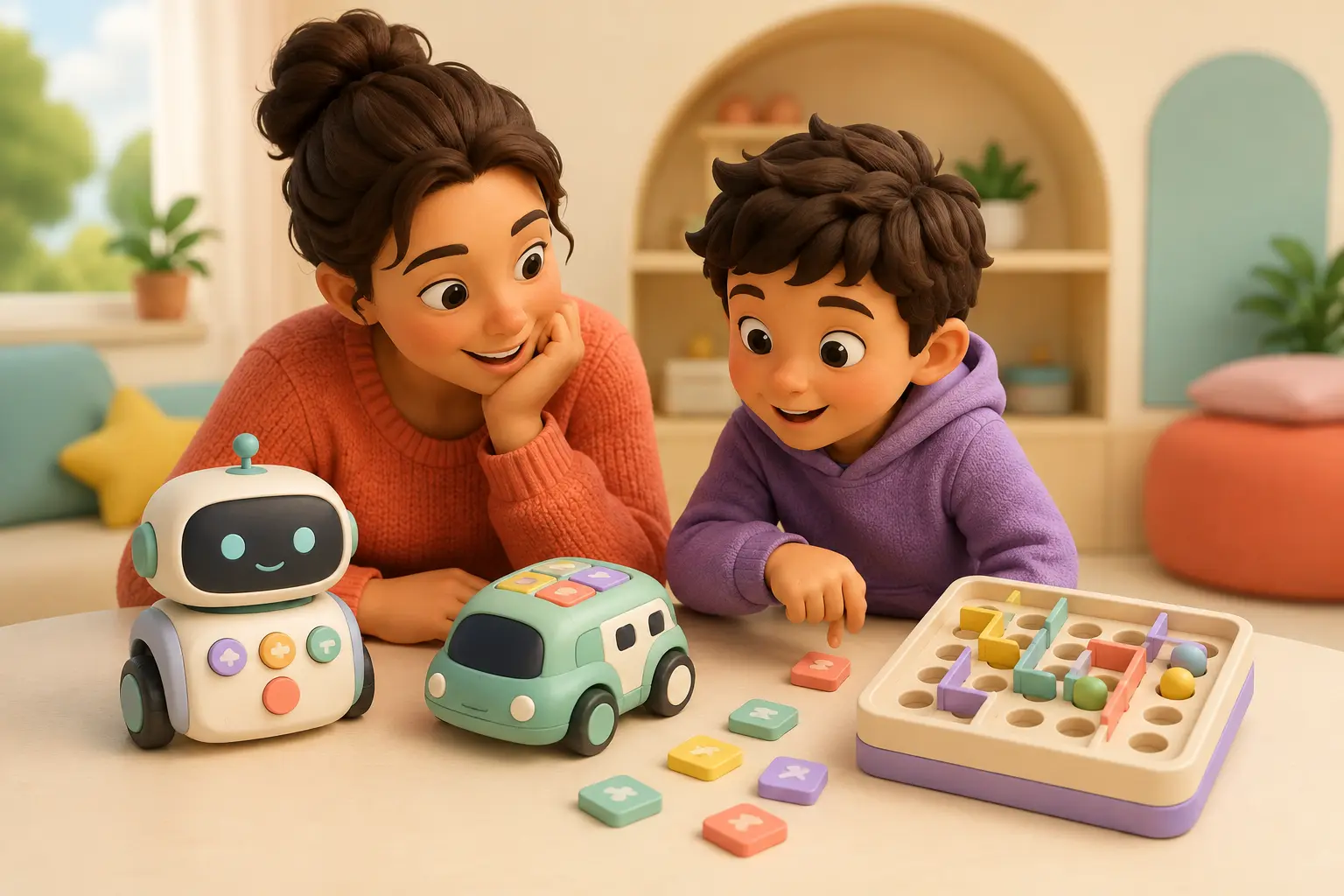
1. What can the child do without reading?
Preschool coding should not depend on decoding instructions. Buttons, picture cards, arrows, colors, movement, and stories give young children concrete ways to represent a sequence. Reading-heavy menus and lengthy tutorials can turn a child’s coding session into an adult’s demonstration.
| Current stage | Look for | Example fit |
|---|---|---|
| Story and pretend play | Large directional buttons, character feedback | Tale-Bot Pro |
| Colors and movement | Physical commands on the floor | Sphero indi |
| Short planned routes | Command cards or handheld programmer | Botley 2.0 |
| Reads and likes puzzles | Progressive logic challenges | Turing Tumble |
| Ready for block coding | Open projects and physical output | Wonder Workshop Dash |
2. What does the child—not the toy—do?
Look past lights and motion. Does the child choose a route, build a rule, predict an outcome, test it, and revise? Or do they mostly press a button and watch a routine? A coding toy can be simple, but the child needs control over a sequence.
The child can explain what they told the toy to do.
A wrong result creates an obvious next change.
The child invents a new goal after finishing the example.
3. How quickly can they get a first win?
For a true beginner, aim for a satisfying result within about ten minutes of play time after adult setup. That might be reaching a paper treasure, drawing a square, or making a marble produce the right output. The first win builds curiosity; the later challenge builds persistence.
4. Screen-free or app-assisted?
Screen-free does not automatically mean better, and an app does not automatically make play passive. Use the screen test: is the device a short-lived programming tool that creates action in the room, or is nearly all of the reward happening on the display?
- Choose screen-free when you want a shared-floor activity, the child is very young, or device transitions routinely cause conflict.
- Choose app-assisted when the child is ready for more command types, open projects, and a longer path toward block or text coding.
- Check compatibility first: “works with tablets” is not the same as supporting your exact operating system and model.
5. What happens after the included challenges?
Replay value comes from a new route, story, rule, build, drawing, sensor response, or puzzle—not from repeating the same animation. Before buying, imagine the second month. Can your child create a delivery game, obstacle course, dance, or original program without buying another pack?
6. What is the family burden?
| Check | Ask before buying |
|---|---|
| Setup | Assembly, charging, updates, pairing, or device compatibility? |
| Ongoing cost | Subscription, cards, accessories, replacement parts, or batteries? |
| Privacy | Account, microphone, camera, location, cloud processing, or child profile? |
| Safety | Age label, small parts, charging, moving wheels, cords, magnets, or sibling access? |
| Storage | Can every tile, marble, card, and connector return to one closed container? |
A two-minute store test
- Name one thing the child will make happen.
- Identify how the child enters the commands.
- Find the manufacturer’s age label and warnings.
- Check what device, account, or connection the core play needs.
- Name one new challenge the child could invent next month.
- If any answer is vague, pause and read the manual or a full review.
What “grows with them” should mean
A toy grows with a child when the thinking becomes deeper: longer sequences, new conditions, variables, sensors, construction constraints, or text-based code. More downloadable content is not necessarily deeper learning. The best progression lets the child become more independent and more original.
Try coding before buying anything
Make a 4-by-4 grid with painter’s tape. One person is the robot; another gives one-step commands such as forward, turn left, and pick up. Add a paper treasure and a blocked square. If the child enjoys planning and fixing the route, that is a strong clue about which physical coding system will fit.