
Quick comparison
| Robot | Best fit | Child enters code with | Screen | First-session setup |
|---|---|---|---|---|
| Tale-Bot Pro | Story-loving ages 3–5 | Buttons on the robot | None | Low |
| Sphero indi | Visual beginners ages 4+ | Colored floor tiles | None at first | Low |
| Botley 2.0 | Route planners ages 5+ | Handheld programmer | None | Low |
| Wonder Workshop Dash | Growing coders around 6–11 | Age-progressive apps | Required | Medium |
1. Tale-Bot Pro: best for preschool stories
Tale-Bot Pro uses large buttons, directional commands, loops, voice feedback, recording, drawing, and dancing. The manufacturer positions it for ages three to five. That combination is valuable when a child will happily code a character through a story but would ignore an abstract maze.
Choose it when: the child loves pretend play, needs no-reading controls, and your family wants no app. Think twice when: you want years of advanced progression or prefer a toy without any recording function.
2. Sphero indi: best color-tile first robot
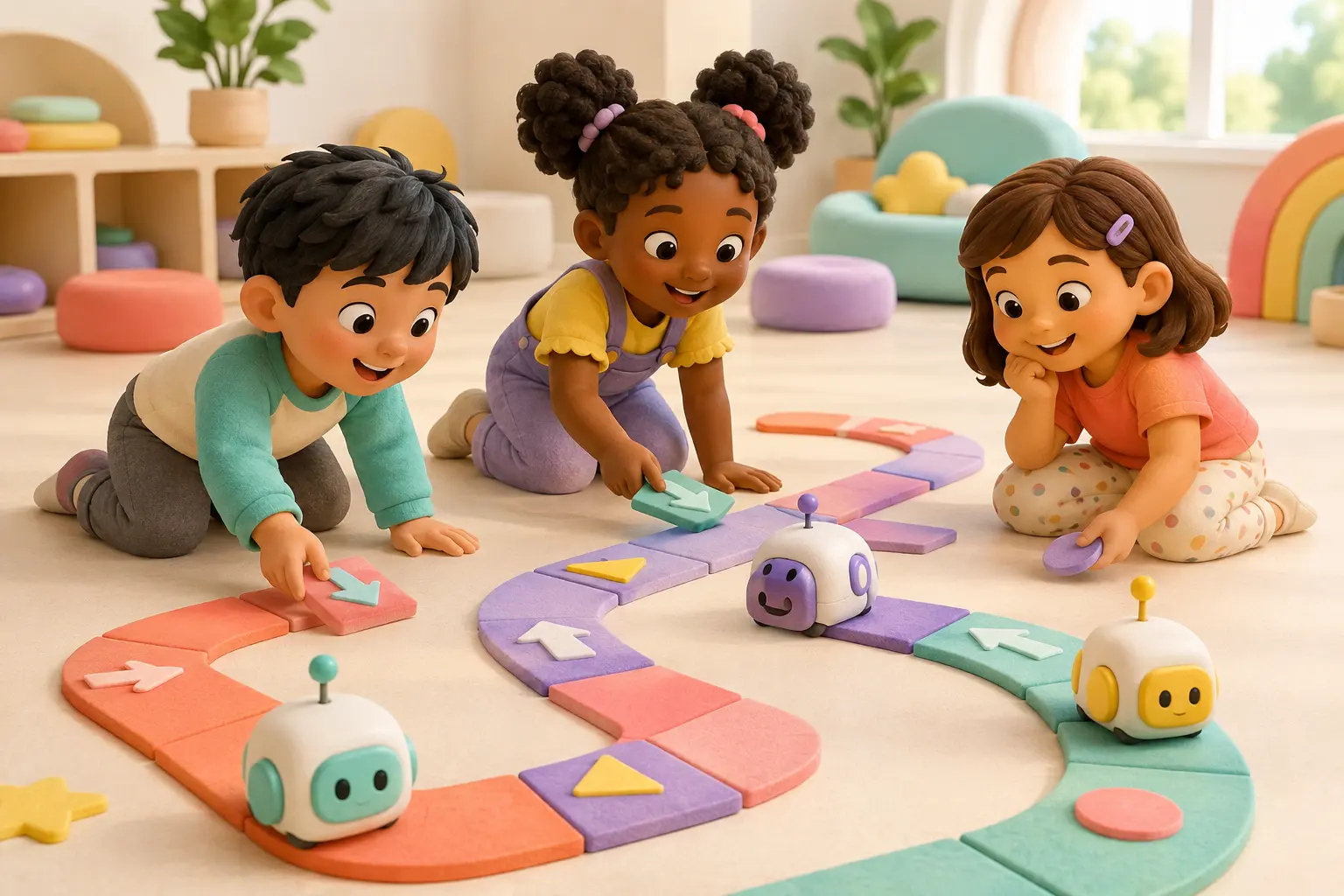
indi reads colored tiles as commands. Children can build a route, predict the movement, run it, and replace one tile when something goes wrong. That direct cause-and-effect loop is especially approachable around ages four to seven. The optional Sphero Edu Jr app provides a later block-coding step.
Choose it when: visual patterns and movement motivate the child. Think twice when: floor space is limited or the child already builds longer block programs.
3. Botley 2.0: best longer screen-free routes
Botley uses a handheld programmer and coding cards rather than an app. Children can program routes, use object detection, and build obstacle challenges. The manufacturer labels it for ages five and up. Compared with indi, the commands are less visible on the floor but support longer planned sequences.
Choose it when: the child likes mazes and can hold several steps in mind. Think twice when: the child needs a character-rich story to stay engaged.
4. Dash: best path into deeper app coding
Dash arrives assembled and turns block programs into movement, lights, sounds, and sensor responses. Its strength is progression: a beginner can start with guided activities and move toward longer projects. The tradeoff is that a compatible tablet, Chromebook, or computer is part of the experience.
Choose it when: the child is ready for an app and wants more coding runway. Think twice when: screen-free play is the primary goal or you have not checked device compatibility.
How to tell whether a robot really teaches coding
They can say or point to what should happen before pressing go.
A route, light, drawing, sound, or behavior shows what the commands did.
The child can change one command and try again without rebuilding everything.
Three buying traps
- Buying too advanced: a longer feature list does not help if the adult performs every setup and reads every instruction.
- Confusing remote control with coding: direct driving can be fun, but sequencing requires a plan that runs after the commands are entered.
- Ignoring the second month: look for challenges children can invent, not only a finite set of demonstrations.
Safety and privacy check
Follow the manufacturer’s age label and small-parts warnings. Supervise charging, clear paths away from stairs and liquids, and secure loose accessories from younger siblings. Offline robots have a lighter privacy burden; for any companion app, review permissions, account requirements, data deletion, and current device support before the first session.