
Quick comparison
| Pick | Best for | Age fit | Device needed? |
|---|---|---|---|
| Botley 2.0 | Best overall first coding robot | 5+ | No |
| Cooper STEM Robot | Simple guided challenges | 5–7 | No |
| Coding Critters | Imaginative preschool play | 4+ | No |
| Kids First Coding & Robotics | Story-led building and logic | Grades K–2 | No |
1. Botley 2.0 — best overall
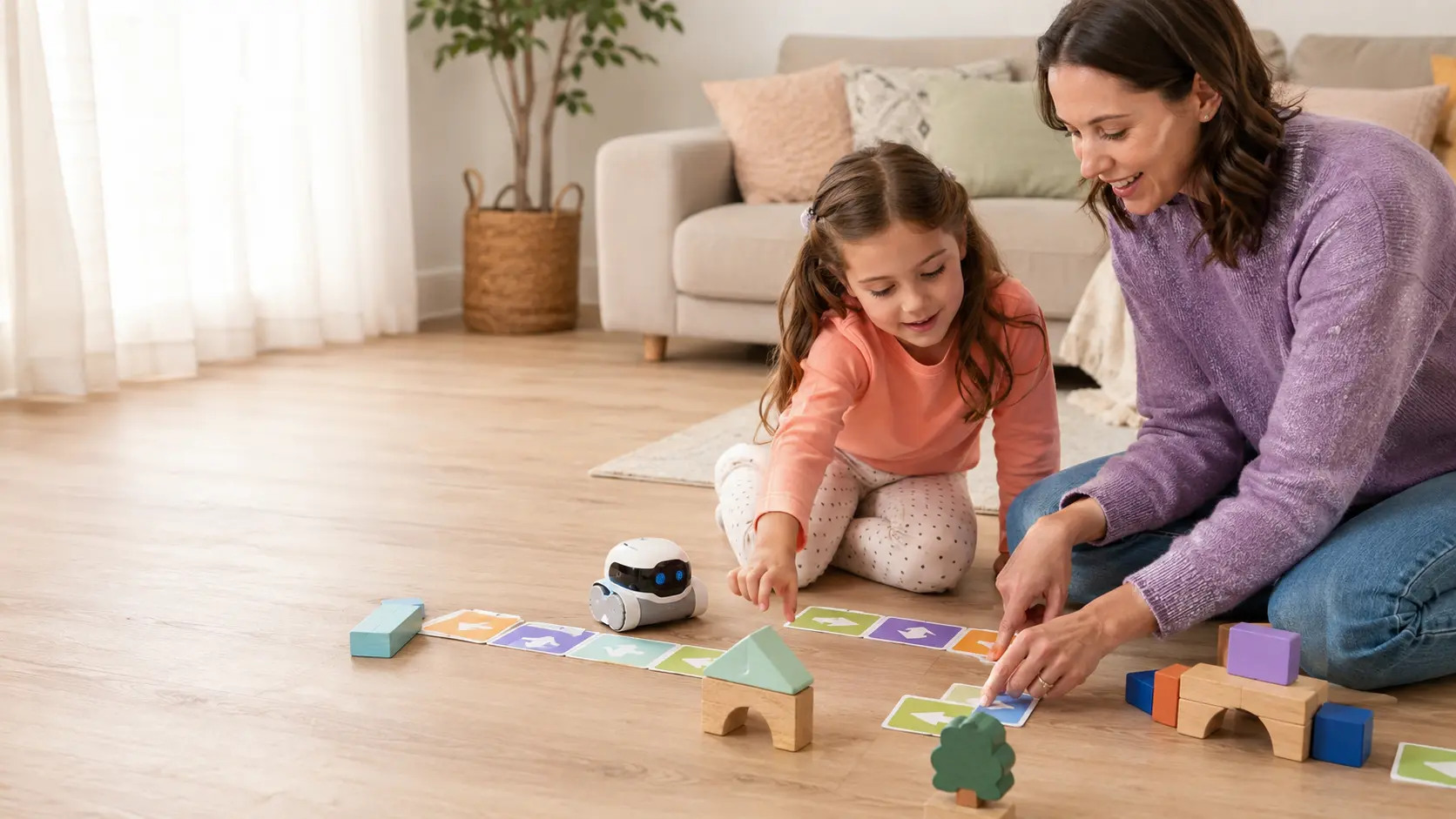
Learning Resources positions Botley 2.0 for ages five and up. Children use a handheld programmer and physical coding materials to create command sequences. The play pattern is concrete: predict the route, send the program, watch what happens, and revise it.
Why it stands out: it offers more than simple forward-and-turn commands. Current manufacturer materials describe longer sequences, loops, object detection, lights, and sounds. It is a strong bridge between early directional play and more formal block coding later.
- Best for: children who enjoy mazes, challenges, and visible cause-and-effect.
- Parent setup: low after the first guided activity.
- Watch for: batteries, loose activity pieces, and the floor space needed for routes.
2. Cooper the STEM Robot — easiest guided start
Cooper is a simpler choice for families who want short challenges and an approachable first robot. It is a better fit when the goal is “let my child understand sequences” rather than “buy the deepest coding system.” A rechargeable design can also be convenient compared with toys that need frequent battery replacement.
Tradeoff: the simpler activity ceiling may be a benefit for a five-year-old and a limitation for a child already comfortable with multi-step logic.
See current Amazon listing ↗3. Coding Critters — best for imaginative play
Coding Critters wrap early sequencing in animal characters and stories. That can help a child who would ignore a “robot lesson” but happily guides a character through a pretend adventure. This is introductory cause-and-effect play, not deep programming.
Best fit: a younger child who learns through pretend play and needs short, successful sequences. Follow the current small-parts guidance, especially around younger siblings.
4. Kids First Coding & Robotics — best story-led building kit
This Thames & Kosmos set trades a single motorized character for multiple physical models and a structured story. It can introduce sequences, loops, functions, conditions, events, and variables in a very hands-on way. The tradeoff is organization: more components mean more adult help with setup and cleanup.
How to choose the right level
Your child is new to directional language, becomes frustrated by long instructions, or mainly enjoys pretend play.
Your child already plans routes, enjoys puzzles, and likes figuring out why a program missed its target.
Your child cares as much about assembling and storytelling as making the robot move.
What “screen-free coding” should actually teach
A toy does not need to teach syntax to provide real coding practice. Look for sequencing, prediction, decomposition, testing, debugging, loops, conditions, and spatial reasoning. The strongest signal is not whether the toy says “STEM” on the box—it is whether the child must make a plan and revise it after observing the result.
The American Academy of Pediatrics recommends toys that support interaction and hands-on play. Join the first few sessions, ask your child to predict what will happen, and let them explain their fix before you give the answer.