
1. List every sensor and connected feature
Do not rely on the word “smart.” Look for a plain list of hardware and services: microphone, camera, face or voice recognition, Bluetooth, Wi-Fi, location permission, remote viewing, cloud processing, and companion app. A toy that only follows commands from a physical remote presents a different privacy decision than a camera-equipped robot that can be accessed from another phone.
Ask one simple question for each feature: What information does this collect, where does it go, and can the toy work without it?
2. Find the child-data section of the privacy policy
The FTC explains that COPPA gives parents control when covered online services collect personal information from children under 13. Personal information can include audio containing a child’s voice, photos or video, precise location, and persistent identifiers—not just a name or email address.
Look for clear answers to these questions
- Is voice or video stored, or only processed temporarily?
- Are outside service providers involved?
- Is data used for advertising, personalization, or product improvement?
- How can a parent view or delete a child’s information?
- How long is data retained after an account is closed?
3. Make sure the adult owns the account
The parent or guardian should control the email address, password, purchase approvals, child profiles, remote-access settings, and privacy choices. Use a unique password and turn on stronger sign-in protection when offered. Do not reuse a child’s school password or let the child create an account with an incorrect age.
During setup, deny permissions that do not seem necessary. If the toy needs location access only to pair over Bluetooth, check whether that permission can be removed after setup without breaking normal use.
4. Check cameras and remote access separately
A mobile robot with a camera may offer navigation, face detection, video calls, or home monitoring. Those are separate decisions. If the family wants games but not remote viewing, confirm that the remote feature can stay off. Keep camera-equipped toys out of bedrooms and private changing areas, and explain the device to guests before using it around them.
5. Calculate the real first-year cost
Connected toys may have memberships, premium content, replacement cards, accessories, cloud services, or a free trial that renews. Add the toy price, required compatible device, one year of optional-but-important content, and normal accessories. A lower-priced toy with a recurring plan can cost more than a higher-priced offline kit.
Our product pages use price bands until Amazon’s approved Creators API is connected. Always confirm the current checkout price and renewal terms at the retailer.
6. Check updates, support, and the “offline test”
Ask what remains if the app is discontinued or the manufacturer changes a cloud service. Can the child still drive the robot, play downloaded audio, or use physical coding activities? Products with useful offline play are generally more resilient to account changes and Wi-Fi problems.
Before buying, also check the manufacturer’s support page for current setup instructions, compatibility lists, safety notices, and recalls.
7. Plan how the toy will be used at home
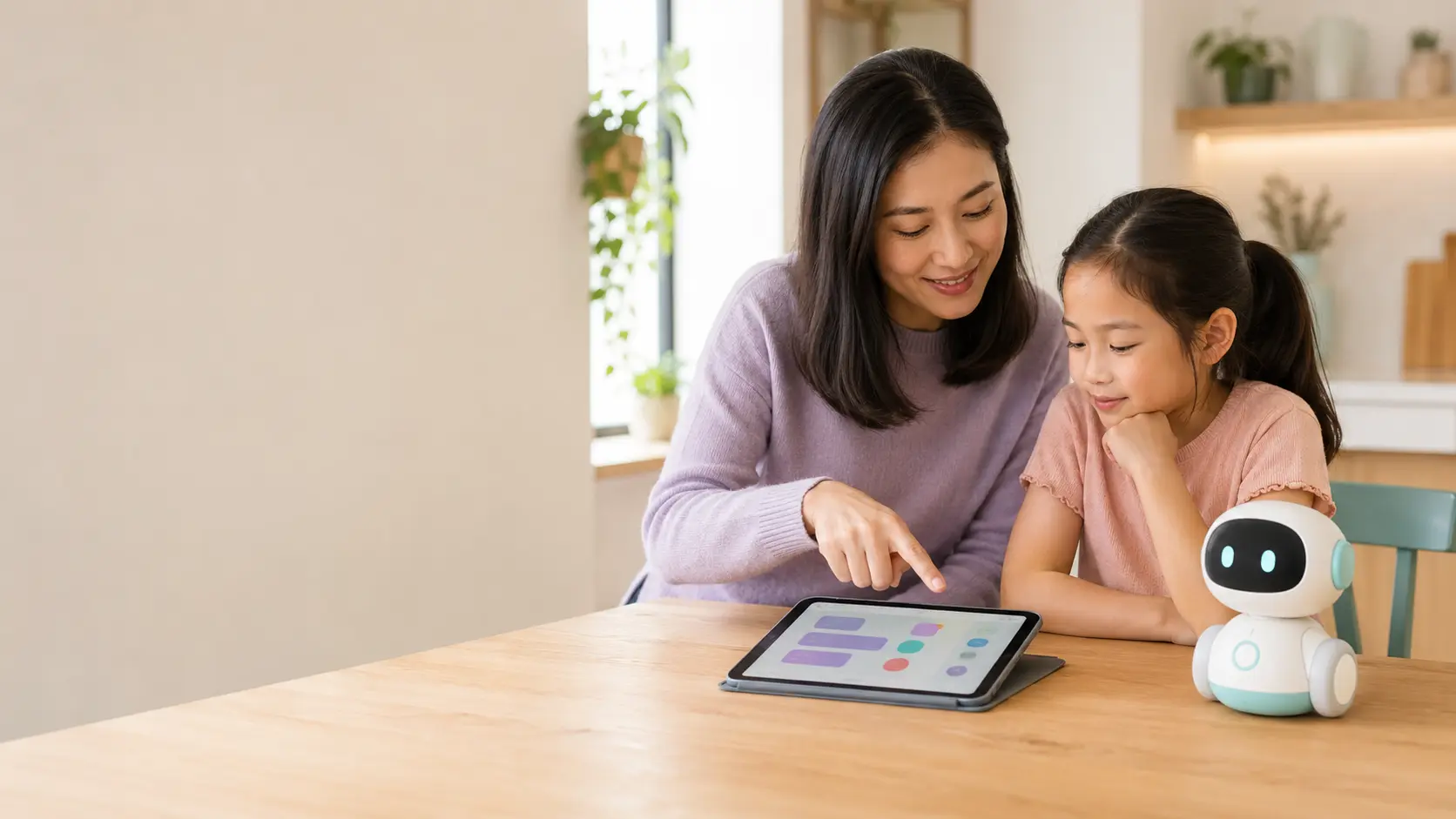
The American Academy of Pediatrics emphasizes toys that support interaction between children and caregivers. An AI toy is most valuable when it prompts children to ask, build, move, explain, or create—not when it replaces conversation or becomes endless passive entertainment.
A simple family rule set
- Use connected toys in a shared room.
- Keep the adult account and app on the parent’s device.
- Set a clear start and stop time.
- Teach children not to share real names, addresses, school details, or family secrets.
- Review permissions after major app updates.
Red flags that should slow down the purchase
- No privacy policy linked from the product or app listing.
- Vague statements about sharing data with “partners.”
- No clear parent account, consent, or deletion process.
- Location, contacts, or photo access requested without a clear feature reason.
- A remote camera that cannot be disabled.
- A product that becomes nearly useless without a recurring plan.